
Spot the Fake: Don’t Reply, Verify!
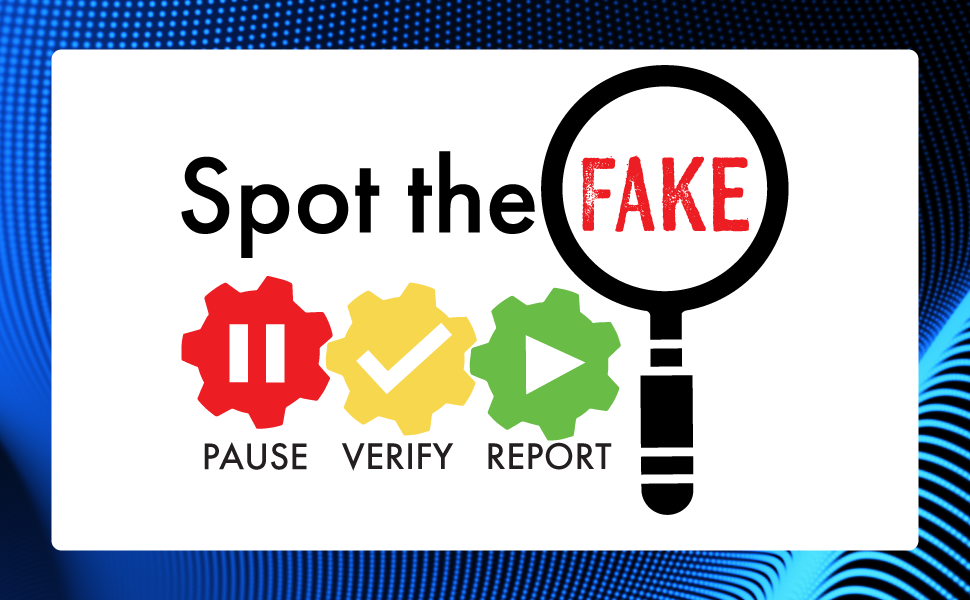
Replying automatically to any message, even if it looks routine, does not independently verify the request. If a fraudster controls the email account, phone number, message thread, or other communication channel, you may simply be asking the fraudster to verify the fraud.
Why This Matters
For important requests, especially those involving payments, credentials, access, or sensitive information, verification should happen through a fresh contact path. AI-enabled impersonation can make a colleague, vendor, manager, or support contact sound familiar and highly convincing. Familiarity is not authorization.
Action Steps: Spot the Fake
- Pause before you respond to a request, including links or invitations (SharePoint, Teams, OneDrive, etc.). Question whether the request is from an imposter.
- Verify through a separate, trusted channel, such as a known phone number, official website or application, established Teams contact, or other approved internal process.
- Report suspicious requests to your supervisor and follow your department’s established reporting process or use the Phish Alert Button.
- Use caution. When the request matters, verify another way. The trusted process, not the message, caller, form, or voice, should be the source of truth.
- Make Compliance Part of Your Routine. Bookmark our CTR Compliance Corner as your one-stop shop for alerts and success factors that you can integrate into your daily operations to keep you safe on your mission.
Contact [email protected] to report actual or suspected fraud, cybersecurity incidents, or other security concerns, or to request assistance from the Statewide Risk Management and Compliance Team. Visit our CTR Cyber webpage for more cybersecurity internal controls.