
SPOT THE FAKE: When Real Isn’t Real
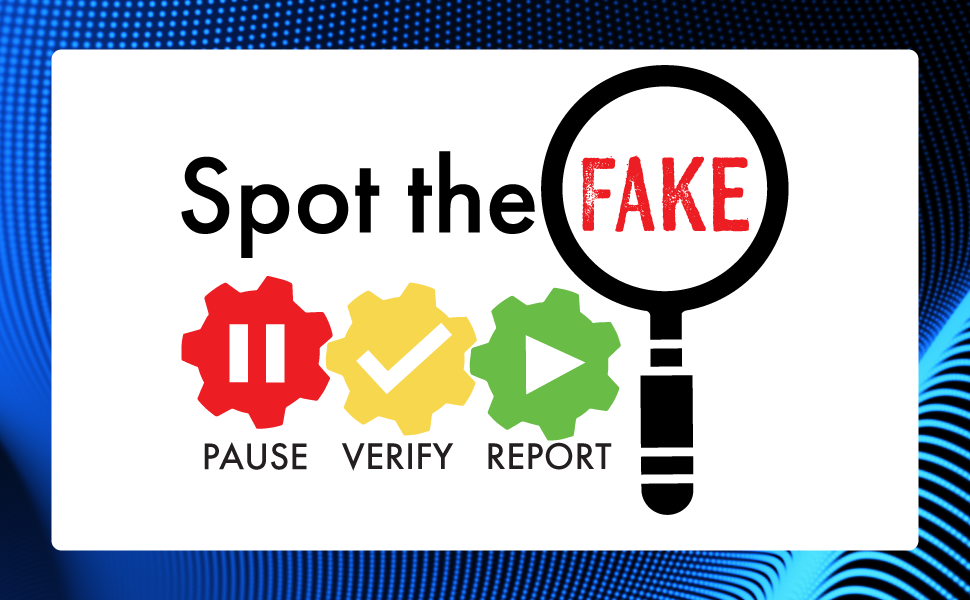
A familiar name, logo, form, caller ID, or voice does not prove that a request is legitimate. Fraudsters are using artificial intelligence (AI) to create convincing emails, documents, messages, and voices, and they may use information about your department, vendors, projects, or transactions to make a fraudulent request look like routine business. The request can look right, sound right, and still require verification.
Why This Matters
Requests involving payments, payroll, credentials, sensitive information, or account or records can have significant consequences if fraudulent. Employees can Spot the Fake, a key control to independently verify important requests before taking action.
Action Steps: Spot the Fake
- Pause before clicking, sharing information, making a payment or changing a record.
- Verify the person and request using a trusted source you already know. Do not rely on contact information or links supplied in a request.
- Report suspicious activity through your department’s established reporting process or Phish Alert Button.
- Use AI thoughtfully. Use only approved tools, keep Commonwealth confidential or sensitive information out of unapproved systems, and verify important AI-generated information before acting.
- Make Compliance Part of Your Routine. Bookmark our CTR Compliance Corner as your one-stop shop for alerts and success factors that you can integrate into your daily operations to keep you safe on your mission.
Contact [email protected] to report actual or suspected fraud, cybersecurity incidents, or other security concerns, or to request assistance from the Statewide Risk Management and Compliance Team. Visit our CTR Cyber webpage for more cybersecurity internal controls.