Stay Alert for Payroll Scam Emails
Commonwealth payroll and fiscal staff have been targeted in a recent email phishing scam. In this campaign, attackers are sending emails with a “SharePoint PDF” link that appears to reference a payroll document. These messages often contain little or no context and are designed to spark curiosity and prompt recipients to click the link.
Never click a link simply to find out what an email is about. Clicking a malicious link could compromise your account and potentially expose your department’s systems and sensitive Commonwealth information.
Action Steps:
- Remind Staff. Regularly remind staff that any email containing a link such as SharePoint may be malicious, even if it appears legitimate.
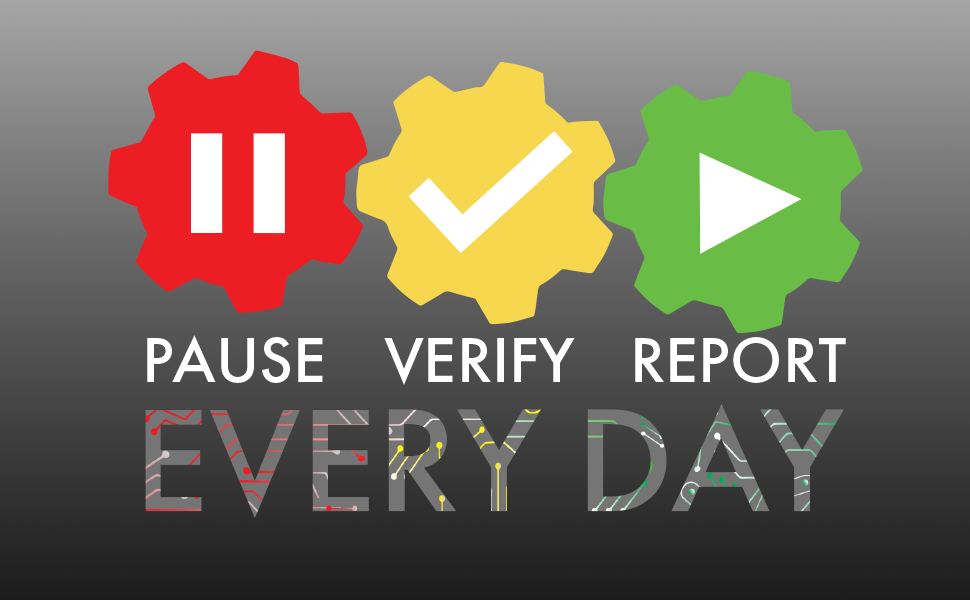
- Share the 2-minute Pause Verify Report Every Day video with staff. Two minutes can prevent a security incident.
- Pause and Verify. Before clicking a link or opening an attachment, verify that the sender and the request are legitimate. Be especially cautious of unexpected emails with vague subject lines or little context. When in doubt, don’t click—report it.
- Report Suspicious Emails. Instruct staff to report suspicious emails using the Phish Report button or your organization’s established reporting process. Prompt reporting helps protect everyone.
Bookmark our CTR Compliance Corner as your one-stop shop for alerts and success factors that you can integrate into your daily operations to keep you safe on your mission.
Visit our CTR Cyber page for more cybersecurity internal controls. If you experience or suspect a fraud or cybersecurity incident or need assistance from the Statewide Risk Management and Compliance Team, contact [email protected] immediately.